Free Online Games You Can Play Now: No Download, No Sign-Up
Where to play free online games in your browser on phone or PC: what browser games are, how to stay safe, and the best picks for every mood.

Looking for something fun to play right now, without installing an app or creating yet another account? Free online games are the answer. This guide explains what browser games are, how to play them safely on any device, and which games on PlayOola are worth starting with, sorted by the mood you are in.
What are free online games?
Free online games (also called browser games or HTML5 games) are games that run directly in a web browser such as Chrome, Safari, Edge or Firefox. You open a page, press play, and the game starts. There is no download, no installer and no app store.
Modern browsers can run smooth 2D and even 3D games, so browser games are no longer just simple flash-style toys. You will find match-3 puzzles, endless runners, sports games with real physics and learning games for children, all on the same page.
Do I need to download anything or sign up?
No. On PlayOola every game opens instantly in your browser. You do not need an account, an email address or a password to play. Your favourite games, recently played games and best scores are stored in your own browser, so they are there next time you visit from the same device.
Can I play browser games on my phone?
Yes. Most PlayOola games work on phones, tablets and computers. Each game page shows which devices it supports. A few tips for the best experience on mobile:
- Turn your phone sideways for games marked as landscape, such as racing and sports games.
- Use the full-screen button under the game for bigger controls.
- Add PlayOola to your home screen (Share → Add to Home Screen on iPhone, or Install on Android) to open it like an app.
Which free online games should I play first?
The best game depends on your mood. Here are good starting points in each style.
Relaxing puzzle games
Puzzle games are perfect for a calm break. Color Pour is a water-sort puzzle where you pour coloured liquid between tubes until each tube holds a single colour. Gem Fiesta is a classic match-3 with striped blasts and colour bombs.
 Color PourPuzzle · FreeA relaxing water sort puzzle: pour colored liquid between tubes until every tube holds one color. Endless levels, mystery tubes and a daily puzzle.▶ Play now
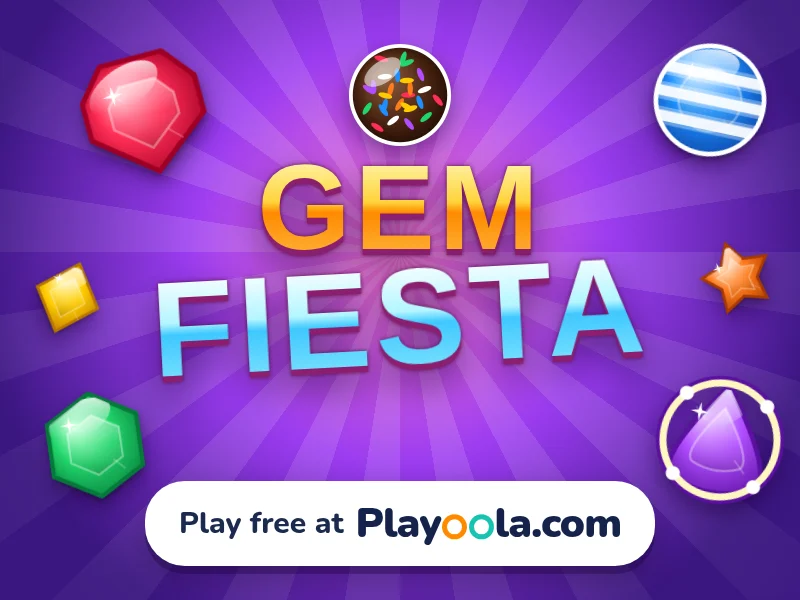 Gem FiestaPuzzle · FreeSwap glossy gems, trigger striped blasts and colour bombs, and beat 100 sparkling match-3 levels. Play free at PlayOola.com!▶ Play now
Quick arcade action
When you want something fast, try an endless runner. In Metro Rush you dash through a night-time metro, dodge trains and collect coins. Merge Run: Coin Smash mixes running with merging numbers.
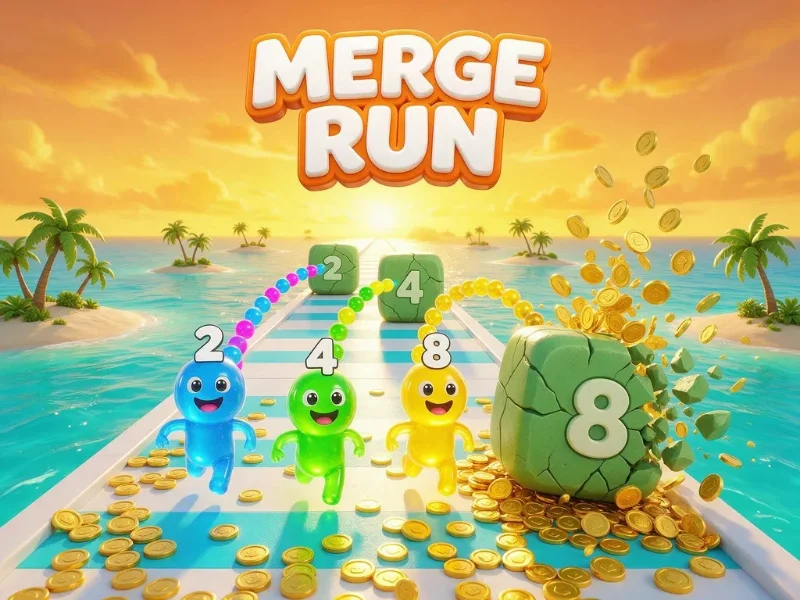 Merge Run: Coin SmashArcade · FreeRun, merge matching numbers and blast blocks into piles of gold coins! A fun 3D merge runner: 2+2 makes 4, 4+4 makes 8, and the coins keep coming.▶ Play now
Sports games
Sports games are great for short competitive sessions. Putt Planet has 36 mini golf holes, and Spin Smash is a table tennis tournament against smart AI rivals.
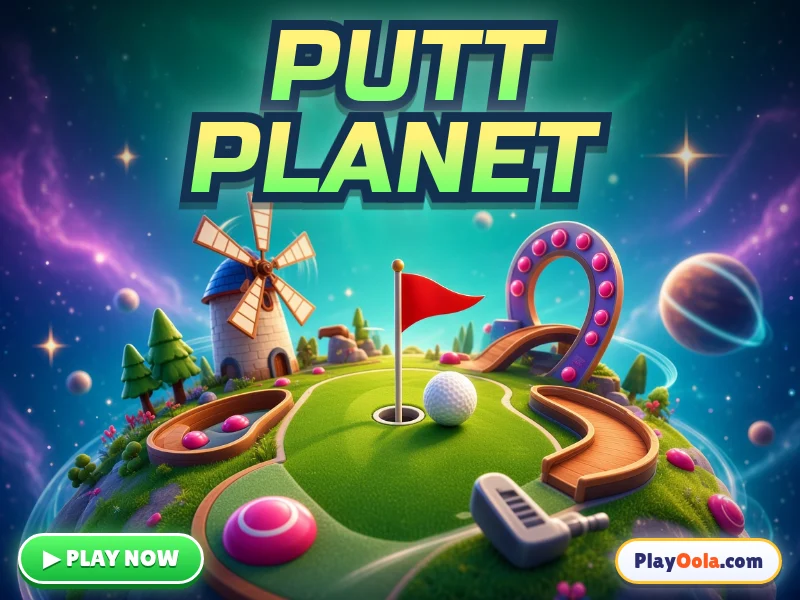 Putt PlanetSports · FreeFree mini golf game: drag, aim and putt across 36 crazy holes with windmills, bumpers, ramps, sand and water. Play free on PlayOola!▶ Play now
Word and quiz games
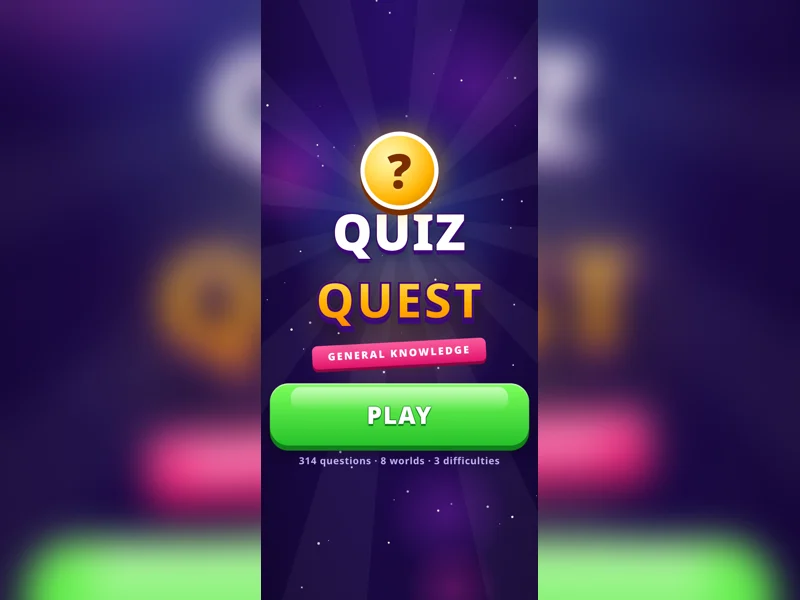
Word games are fun and quietly train your vocabulary. Word Spark has hundreds of crossword-style levels, and Quiz Quest tests your general knowledge across eight worlds.
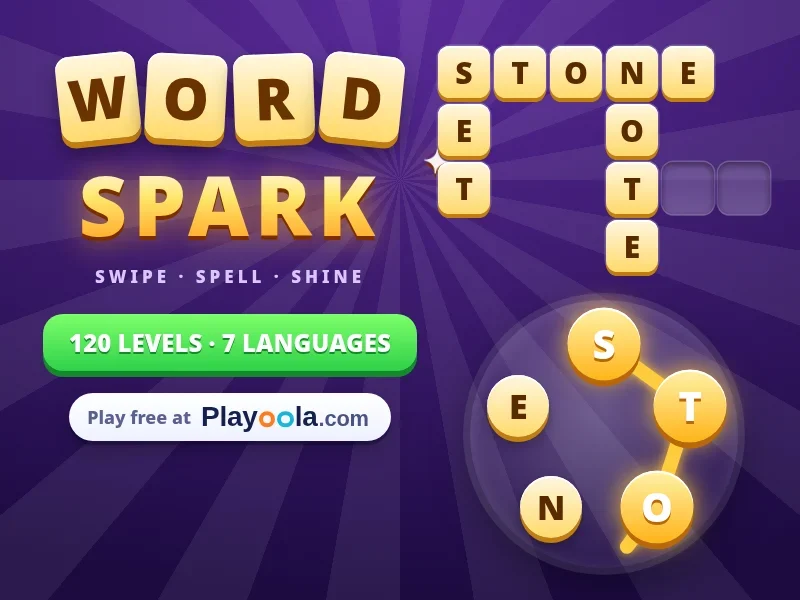 Word SparkWord · FreeSwipe letters to spell words and fill the crossword. 700+ levels in 7 languages!▶ Play now
Games for kids
PlayOola has a large collection of learning games for children, from counting and spelling to telling the time. See our guide to free educational games for kids for the full list.
Are free online games safe?
Playing in the browser is one of the safest ways to play games, because nothing is installed on your device. A few simple habits keep it that way:
- Play on websites you trust and that explain how they use your data (read PlayOola's privacy policy).
- Never download "game installers" from pop-ups; real browser games do not need them.
- For children, choose sites with clear categories for kids and no chat with strangers.
How do I find more games I will like?
Every game page on PlayOola lists similar games underneath, and the homepage remembers what you played recently. You can also search by name or browse categories such as Puzzle, Arcade, Sports, Word and Kids.
Ready to play? Head to the PlayOola homepage and pick a game. It will start in seconds.
Frequently asked questions
Are the games on PlayOola really free?
Yes. Every game on PlayOola is free to play in your browser, with no download, subscription or account needed.
Do free online games work on iPhone and Android?
Most do. PlayOola games run in mobile browsers such as Safari and Chrome, and each game page shows whether it works on phones, tablets and computers.
Do I lose my progress if I close the page?
Favourites, recently played games and best scores are saved in your browser on that device, so they are still there when you come back.
Can I play offline?
You need an internet connection to load a game. If you add PlayOola to your home screen, the app opens quickly and shows a friendly message when you are offline.