Free Educational Games for Kids: Math, Reading and Science
The best free learning games for kids ages 3 to 10: counting, times tables, spelling, telling time, science and memory games that run in the browser.
Good learning games feel like play, not homework. Children repeat a skill again and again because they want to win the next round. This guide lists free educational games for kids that run in any browser, grouped by the skill they build, with tips for parents and teachers.
What makes a good educational game for kids?
A good learning game has a clear goal, gives instant feedback, and gets a little harder as the child improves. It should also be easy to start: no account, no download and no confusing menus. All the games below meet those rules and are free on PlayOola.
Which games help with math?
Math is where games shine, because quick practice builds confidence.
- Number Nibbles: count, add, take away and make groups with a friendly character. Great for ages 4 to 7.
- Count the Critters: count cute animals and tap the right number.
- Math Blaster: solve plus and minus sums to stop asteroids. Speed builds fluency.
- Times Table Race: answer multiplication questions to make your race car faster.
- Coin Counter: pay for toys and treats with play coins to learn money.
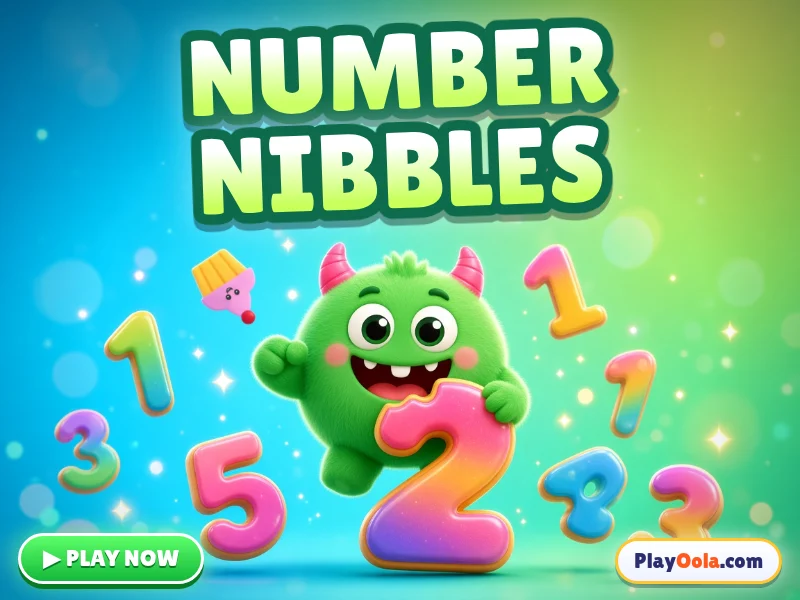
Number NibblesKids · FreeCount, add, take away, make groups and learn numbers with Nibbles the hungry monster. Ages 3-8, voiced, no reading needed. Free!▶ Play now
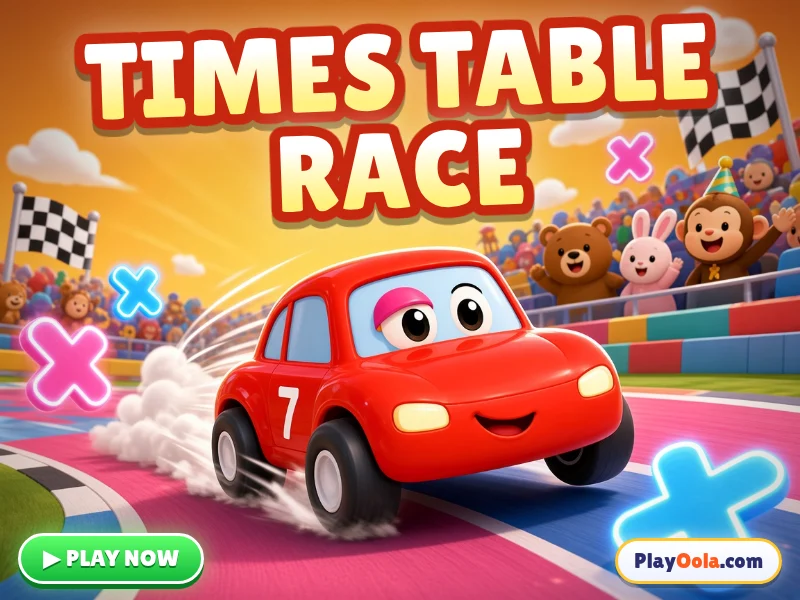 Times Table RaceKids · FreeAnswer times tables to make your race car go faster! Easy, medium, tricky and mixed tables with spoken questions. Ages 6-10. Free!▶ Play now
Which games help with reading and spelling?
Early readers need to hear, see and build words.
- Word Builder: drag letter tiles to spell the pictured word.
- Rhyme Time: find rhymes and spot the odd one out.
- Arabic Letter Tracing: trace all 28 Arabic letters with a finger or mouse.
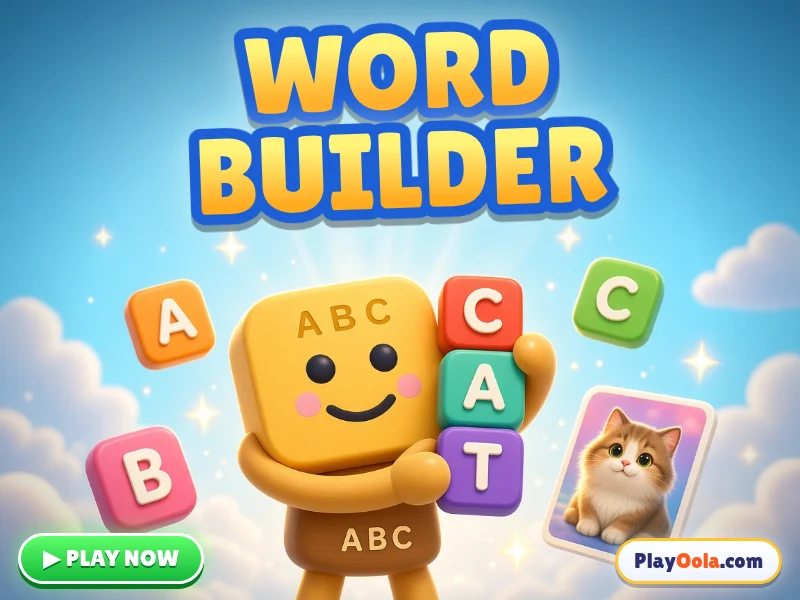 Word BuilderKids · FreeDrag letter tiles to spell the pictured word! Short words, long words and missing letters, with voice. 13 languages, ages 4-8. Free!▶ Play now
Which games teach science and the world?
Curious kids love games that explain how things work.
- Planet Explorer: visit all eight planets and put them in order.
- Food Chain Builder: build food chains from the Sun to the top predator.
- Build a Plant: put roots, stem, leaves and flower in place.
- Healthy Plate: sort foods and build a balanced meal.
- Flag Quiz: learn world flags and country names.
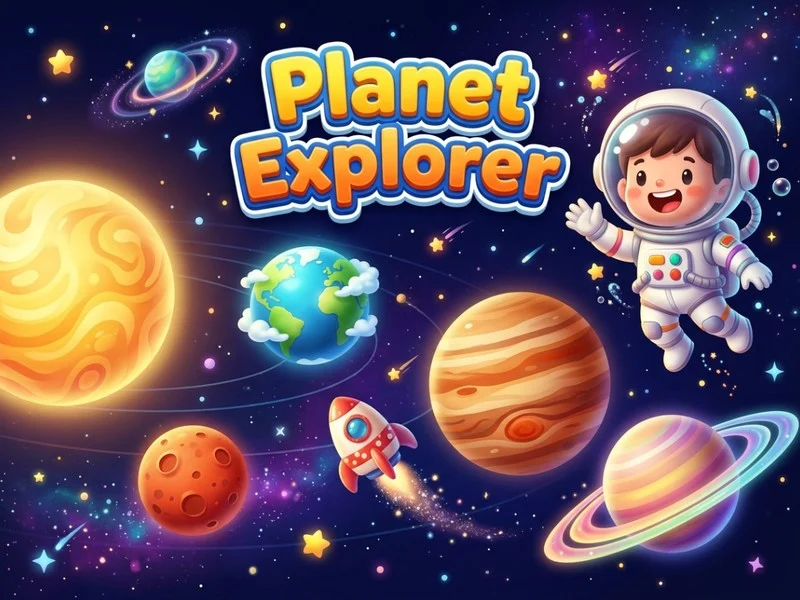 Planet ExplorerKids · FreeVisit all 8 planets, learn fun space facts, then put the planets in order and earn your astronaut certificate. For ages 6-10.▶ Play now
What about preschool games for ages 3 to 5?
The youngest players need big buttons, sounds and simple goals.
- Shape Sorter and Shapetastic teach shapes by dragging and matching.
- Splashy's Color Party teaches colour names and mixing.
- Animal Sounds Quiz asks who says moo, woof or roar.
- Clock Master helps older preschoolers start telling the time.
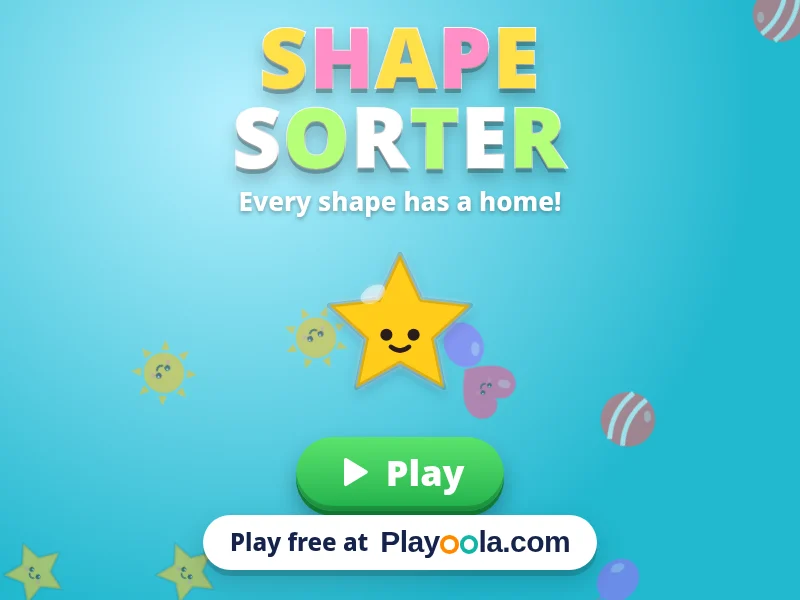 Shape SorterKids · FreeDrag smiling shapes into their matching holes! Learn circles, stars, hexagons and colours with spoken names. Calm play for ages 2-6. Free!▶ Play now
Which games build memory and focus?
Memory and attention games support every subject.
- Memory Flip: find matching pairs of animals, letters and flags.
- Spot the Difference: compare two pictures and find what changed.
- Simon Says Colors: watch, listen and repeat the pattern.
- Brainy Bloop: memory cards, patterns and mazes in one game.
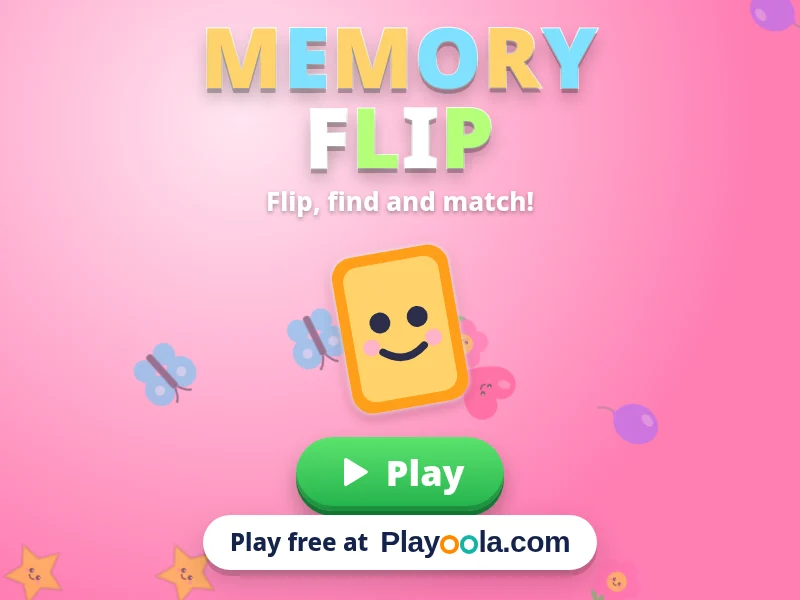 Memory FlipKids · FreeFlip cards to find matching pairs of cute animals, letters and world flags! Grows from 3 to 8 pairs. Gentle, voiced, 13 languages. Free!▶ Play now
Which game should my child start with?
Use this quick guide to pick a first game by age:
| Age | Good first games | What they practise |
|---|---|---|
| 3 to 4 | Shape Sorter, Splashy's Color Party, Animal Sounds Quiz | Shapes, colours, listening |
| 4 to 6 | Number Nibbles, Count the Critters, Memory Flip | Counting, early sums, memory |
| 6 to 8 | Word Builder, Rhyme Time, Clock Master, Coin Counter | Spelling, rhymes, time, money |
| 7 to 10 | Times Table Race, Math Blaster, Planet Explorer, Food Chain Builder | Multiplication, mental maths, science |
Every child is different, so treat the ages as a starting point. If a game feels too easy, move up a row; if it causes frustration, step down and come back later.
How long should kids play learning games?
For children under 8, short sessions of 10 to 15 minutes work best. Sit with younger children for the first few games, talk about what they are doing ("How many bunnies did you count?") and stop while it is still fun. Games are a great addition to reading together, building and playing outside, not a replacement.
Can teachers use these games in class?
Yes. Because the games run in the browser, they work on classroom computers, tablets and interactive whiteboards with nothing to install. Each game also has an embed code, so teachers can place a game on a class website or learning page.
Find every learning game in the Kids category, or read our guide to free online games with no download.
Frequently asked questions
Are these educational games free?
Yes. All the kids' games on PlayOola are free and run in the browser without an account or download.
What age are the games for?
Most are for ages 3 to 10. Shape, colour and animal games suit preschoolers, while times tables, money and science games suit early primary school.
Do the games work on a tablet?
Yes. They are designed for touch, so they work well on iPads and Android tablets as well as computers.
Do children need to create an account?
No. Children can play straight away. No personal details are needed.