Color Garden
About Color Garden
Color Garden is a calm, colorful coloring book that you can play right in your browser. Choose from 18 hand-picked pages, from a playful kitten and a friendly dinosaur to a fairytale castle, a space trip and a detailed mandala.
Tap any shape to fill it with color, or switch to the brush to paint freely. Pick from four palettes of bright, pastel, nature and warm colors, or choose any color you like. Pinch or scroll to zoom in on tiny details, and use undo and redo whenever you want.
Your pictures save automatically, so you can come back and finish them later. When a picture is done, save it as an image to share or print. The line art was created with AI for Color Garden, and the game is available in 14 languages.
- Category
- Kids
- Works on
- Phones, tablets and computers
- Price
- Free
- Tags
- coloring, coloring book, painting, kids, relaxing, drawing, art, mandala
How to play
Choose a page and pick a color. Tap a shape to fill it. Use the brush to paint freely and the eraser to fix mistakes. Pinch or scroll to zoom. Use undo and redo at the top, and press the save button to download your picture.
Color Garden: common questions
Is Color Garden free to play?
Yes. Color Garden is free to play in your web browser on PlayOola, with no download, no sign-up and no payment.
What devices can I play Color Garden on?
Color Garden works on: phones, tablets and computers. It runs in any modern browser such as Chrome, Safari, Edge or Firefox.
What kind of game is Color Garden?
Color Garden is a kids game. Relaxing coloring pages for kids and adults: tap to fill, paint with a brush, zoom into details and save your art. 18 pages from kittens to mandalas.
How do you play Color Garden?
Choose a page and pick a color. Tap a shape to fill it. Use the brush to paint freely and the eraser to fix mistakes. Pinch or scroll to zoom. Use undo and redo at the top, and press the save button to download your picture.
More games
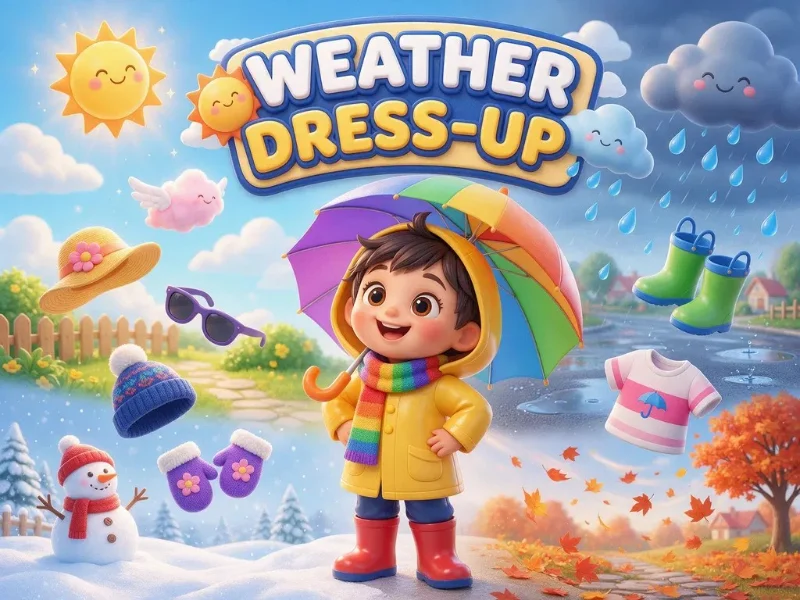
Weather Dress-Up
Sunny, rainy, snowy or windy? Drag the right clothes onto the child and learn what to wear in every weather. For ages 3-6.
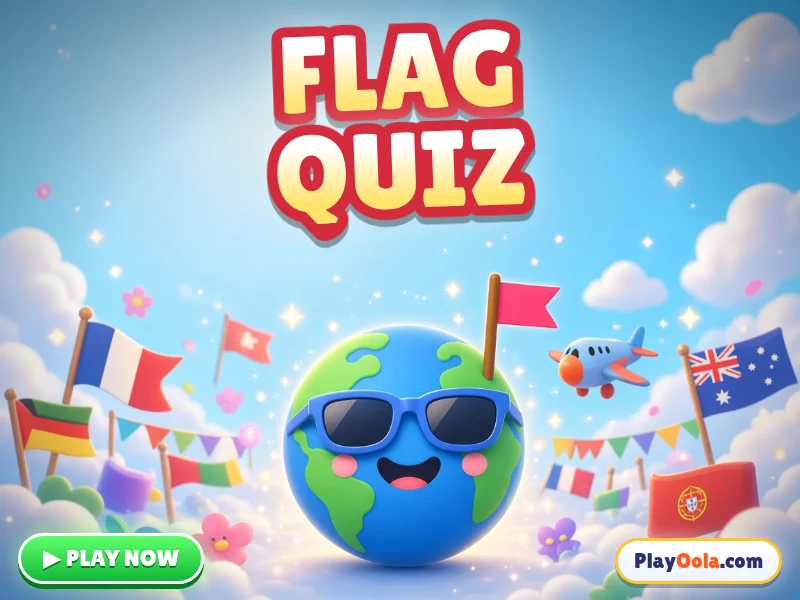
Flag Quiz
Learn world flags and country names! Easy flags, world flags and find-the-flag modes. Spoken questions, no timer, no losing. 13 languages. Free!
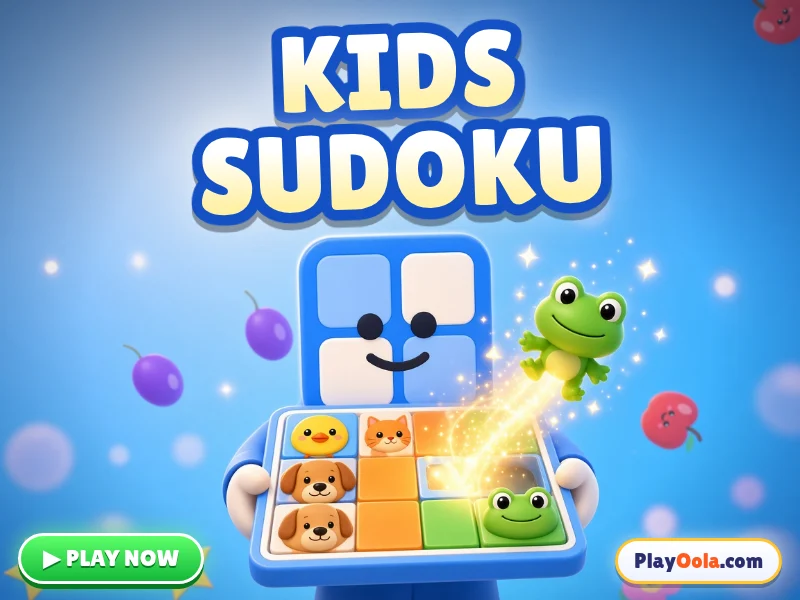
Kids Sudoku
Easy sudoku for kids! Animal-picture 4x4, number 4x4 and 6x6 grids. Gentle hints, no timer, no mistakes counter. 13 languages. Free!
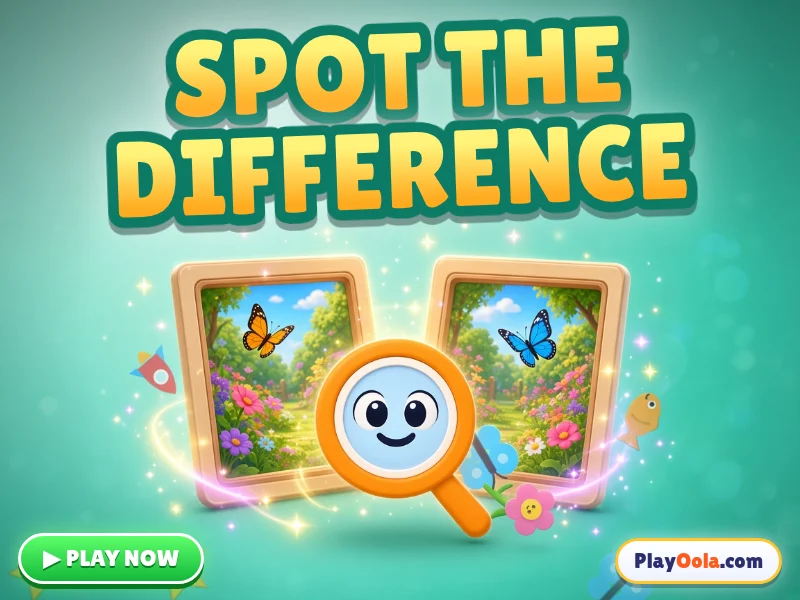
Spot the Difference
Find the differences between two cheerful pictures! Meadow, sea and space scenes, 3 to 6 differences, a hint bulb and no timer. Free!
Memory Flip
Flip cards to find matching pairs of cute animals, letters and world flags! Grows from 3 to 8 pairs. Gentle, voiced, 13 languages. Free!
Rhyme Time
Find the rhyme, spot the odd one out and match rhyming pairs! Every word is spoken aloud. Real rhymes in 13 languages, ages 4-7. Free!
Word Builder
Drag letter tiles to spell the pictured word! Short words, long words and missing letters, with voice. 13 languages, ages 4-8. Free!
Clock Master
Drag the hour and minute hands to match the time! O'clock, half past, quarter hours and 5 minutes. Voiced and gentle, ages 5-8. Free!